7 Mistakes When Designing a Bumper or Rack from a 3D Scan
Our files for these vehicles
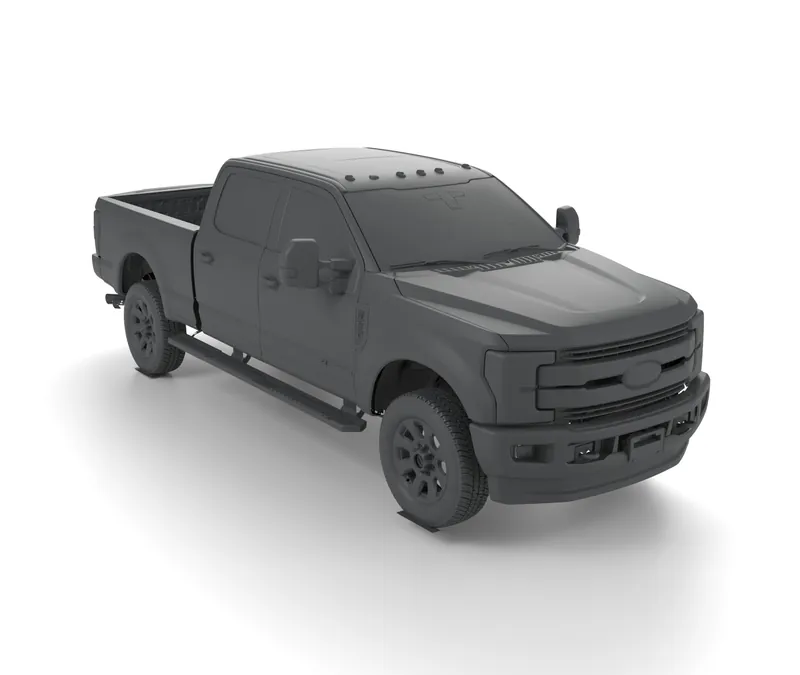
Ford F-250 Super Duty 4th gen
2017-2019 Full Vehicle 3D Model (STL)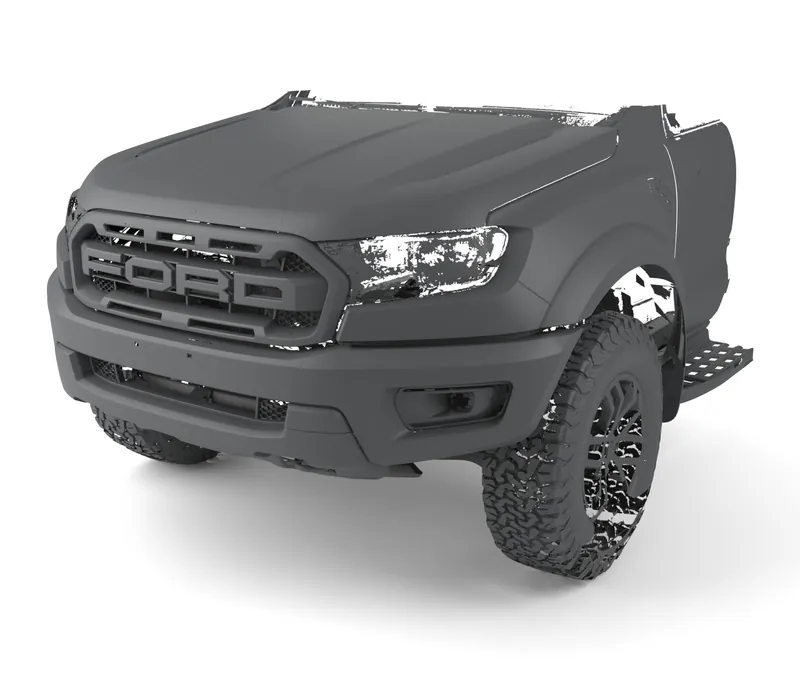
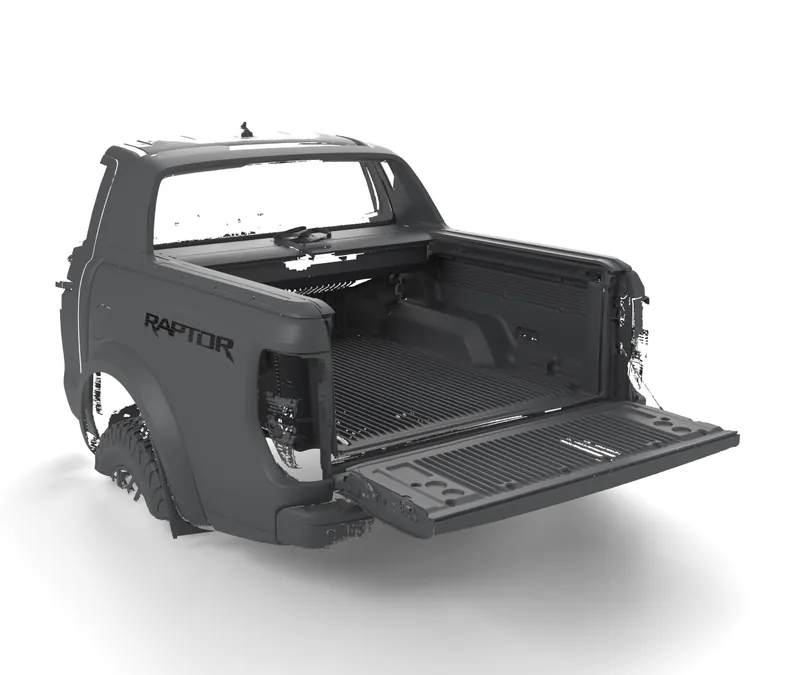
Most parts designed on a 3D scan that do not fit fail for the same few reasons: the scan is of a different generation, market or trim than the truck, the file was imported in the wrong unit, an overall width included the mirrors, the mounting points were hidden behind a factory bumper, or the designer never checked the key dimensions on the real truck. Each one is cheap to avoid before the first cut.
1. Designing on the wrong generation or market
A model year does not name a truck. A “2022 Ford Ranger” can be the T6-based Ranger sold in the US, a late PX MkIII in Europe or Australia, or the Next-Gen that replaced it during 2022; their fronts, frames and bumpers differ. The same goes for facelifts inside one generation, which often change the bumper, grille and lights.
How to avoid it: match the scan to the truck by generation code and market, not by year. The generations pages give the years by market with a source for each date, and the which generation do I have finder asks the questions that tell them apart.
2. Assuming a variant shares the base truck’s shape
Performance and heavy-duty variants are often wider, taller or built on a different rear end. The first Ford Ranger Raptor has a wider track and different rear suspension from a standard Ranger, so rear parts designed on one do not carry over to the other. Cab and bed length matter in the same way: a rack for a double cab does not fit an extra cab.
How to avoid it: read what the scanned truck is (grade, cab, bed, drive side) on the product page and compare it with your own truck before you buy or design.
3. Importing in the wrong unit
An STL file carries no unit. A mesh drawn in millimetres and opened as inches comes out 25.4 times too big; the other way round, 25.4 times too small. Metres and centimetres give factors of 1,000 and 10. The design looks right on screen until a dimension is checked.
How to avoid it: after import, measure one overall length and compare it with the extent on the product page. Our files are in millimetres at 1:1 unless the page says otherwise. The how to use 3D scans in CAD guide shows where each program asks for the unit.
4. Reading the overall width as the body width
The extent of a full vehicle scan is the box around everything in the file: mirrors, flares, steps and antennas included. The Ford F-250 Super Duty 4th gen file is 2,692 mm wide because of its tow mirrors; the body is narrower. A rack or bumper drawn to the overall width ends up too wide.
How to avoid it: take widths from sections cut where the part sits (across the frame tips, the bed rails or the roof), not from the overall extent.
5. Expecting to see what the file does not show
A scan shows only the surfaces the scanner saw. With the factory bumper on, the frame tips and crash-carrier mounts behind it are not in the mesh; with the hood closed, there is no engine bay. A complete-looking truck can still hide exactly the faces a bumper bolts to.
How to avoid it: check what each file covers before you buy: every product page lists what is in the file. For mounts, choose a file scanned with the bumper off or with the underbody, and see the DIY bumper guide for which of our files expose which areas.
6. Working on the whole mesh at full size
A full vehicle scan runs to tens of millions of triangles and up to about 2 GB; our Ford Ranger Next-Gen front body STEP file asks for 32 GB of RAM. Opened whole in a CAD program, it makes every step slow, and a crash can lose work.
How to avoid it: keep the full file as the reference and design on a copy cut down to the area you need. The STL vs STEP vs OBJ guide explains what each format does in CAD; for a mesh file, the part you draw is new CAD geometry built against the scan, not the scan itself.
7. Trusting the scan over the truck in front of you
Two trucks of the same model are not identical: tyre size, suspension sag, body mounts and earlier repairs move things by a few millimetres or more. Heights in a scan are taken from the plane its tyres stand on, which may not be your truck’s.
How to avoid it: before you cut steel, check the dimensions that decide the fit (mounting face width, bolt-hole centres, the gap to the bodywork) on your own truck. A cardboard or plywood template of the mounting plate costs little and catches most errors.
A short checklist before the first cut
- The scan is the same generation, market, cab and bed as the truck.
- One overall dimension matches the product page after import.
- Widths come from sections at the part, not the overall extent.
- The mounting faces you need are in the file.
- Key dimensions are checked on the real truck.
Deciding between a ready-made file, a tape measure and a scanning service? See what a truck 3D scan really costs. If a file leaves a question open, ask us before you buy: we can say what is in the file and what is not.
Files mentioned in this guide